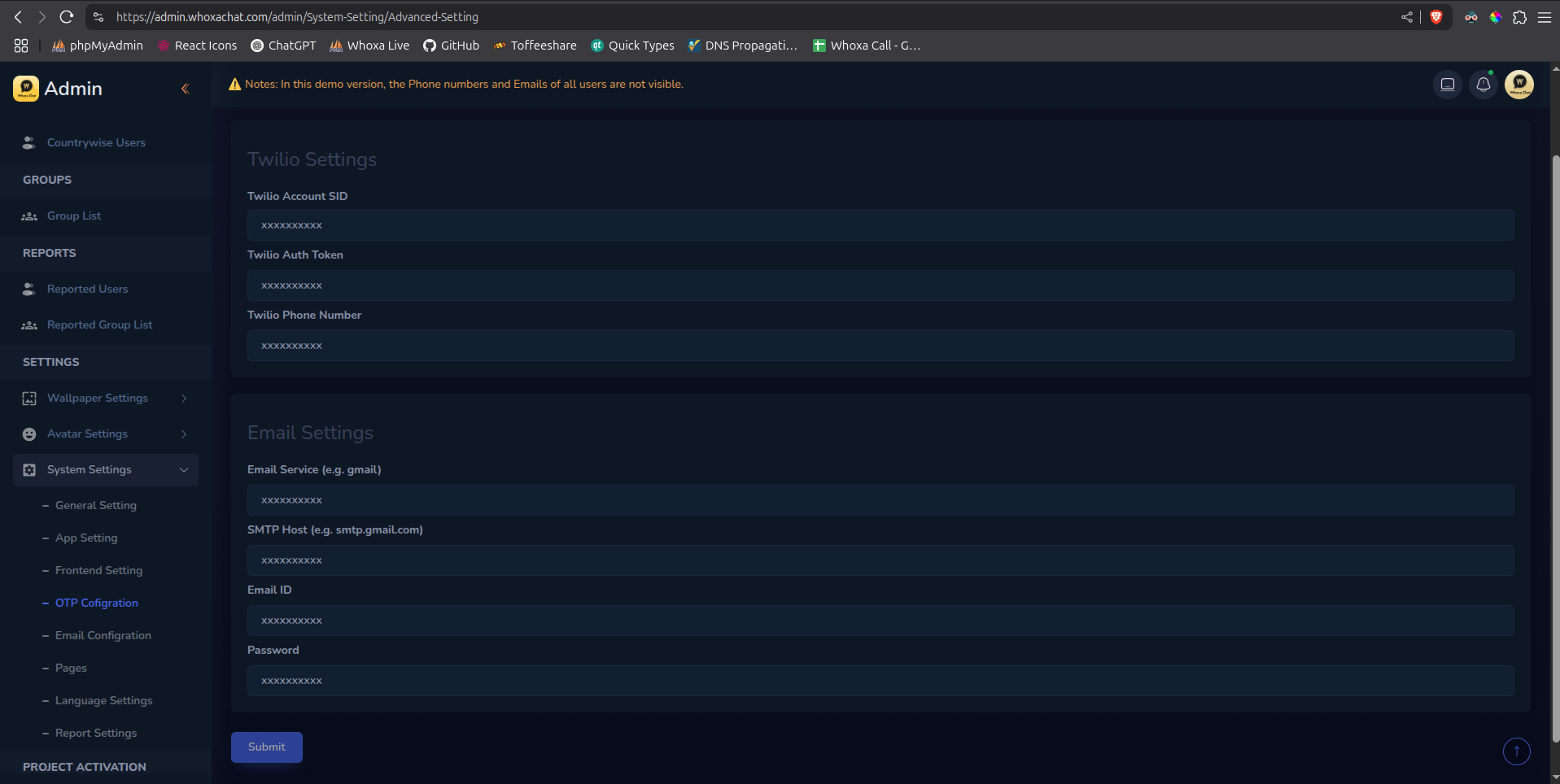
Mobile Application ConfigrationsThird-Party SetupEmail OTP LoginOn this pageEmail OTP Login Overview This integration will allow users to log in via One-Time Password (OTP) sent through Email. The OTP is sent to a user's provided email, and the user will input it into your app to authenticate their session. Create App Password Create an App password from your Google account. After creating the App password, obtain the following credentials: Your email ID from which you want to send OTP emails. The generated App password Edit email and password through admin panel Edit Email ID and Password then submit the changes. Changes will take effect after you restart the server using the command below. pm2 restart 0 You have successfully updated the email address from which all OTP emails will be sent.